
About
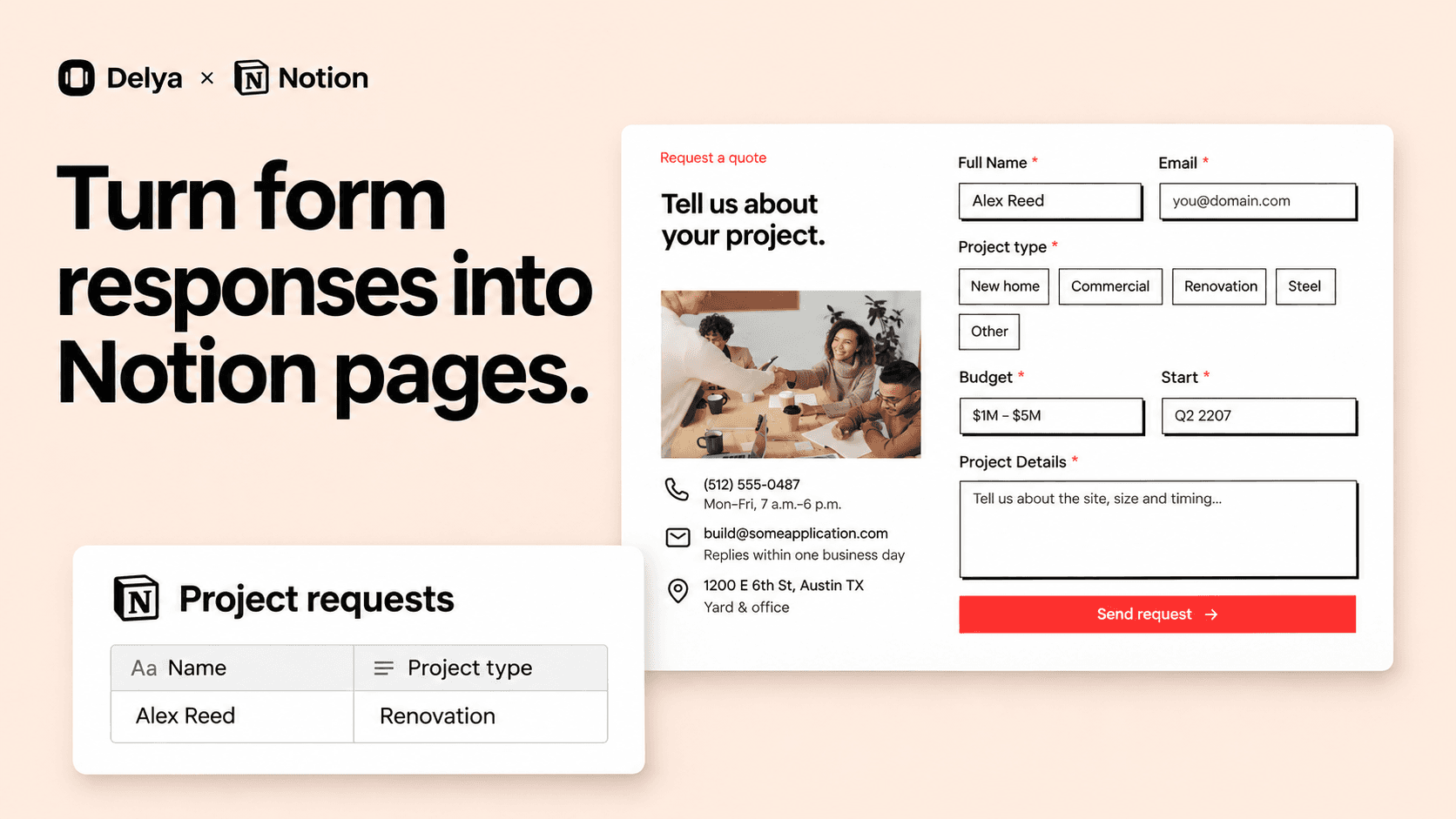
Delya helps you collect leads, feedback, registrations, and more through customizable forms. Connect Delya to Notion to automatically create a new database entry for each completed response.
Choose your database, map form fields to Notion properties, and customize each entry’s page content with answers from your form. Keep responses organized where your team works, without copying data by hand.
Features
- Read, insert, & update contentCan read, insert, & update pages, databases, and blocks shared with this connection.
- View workspace usersReads basic profile details about workspace members and guests, including their email addresses.
How to use
How to get started
1. Sign in to Delya and open the form you want to connect.
2. Go to Integrations and select Notion.
3. Connect your Notion account and grant access to the pages containing your destination database.
4. Choose your database and map your form fields to the corresponding Notion properties. Optionally, customize the page content to include additional response details.
5. Click Create integration and make sure the integration is enabled.